Feed mill software
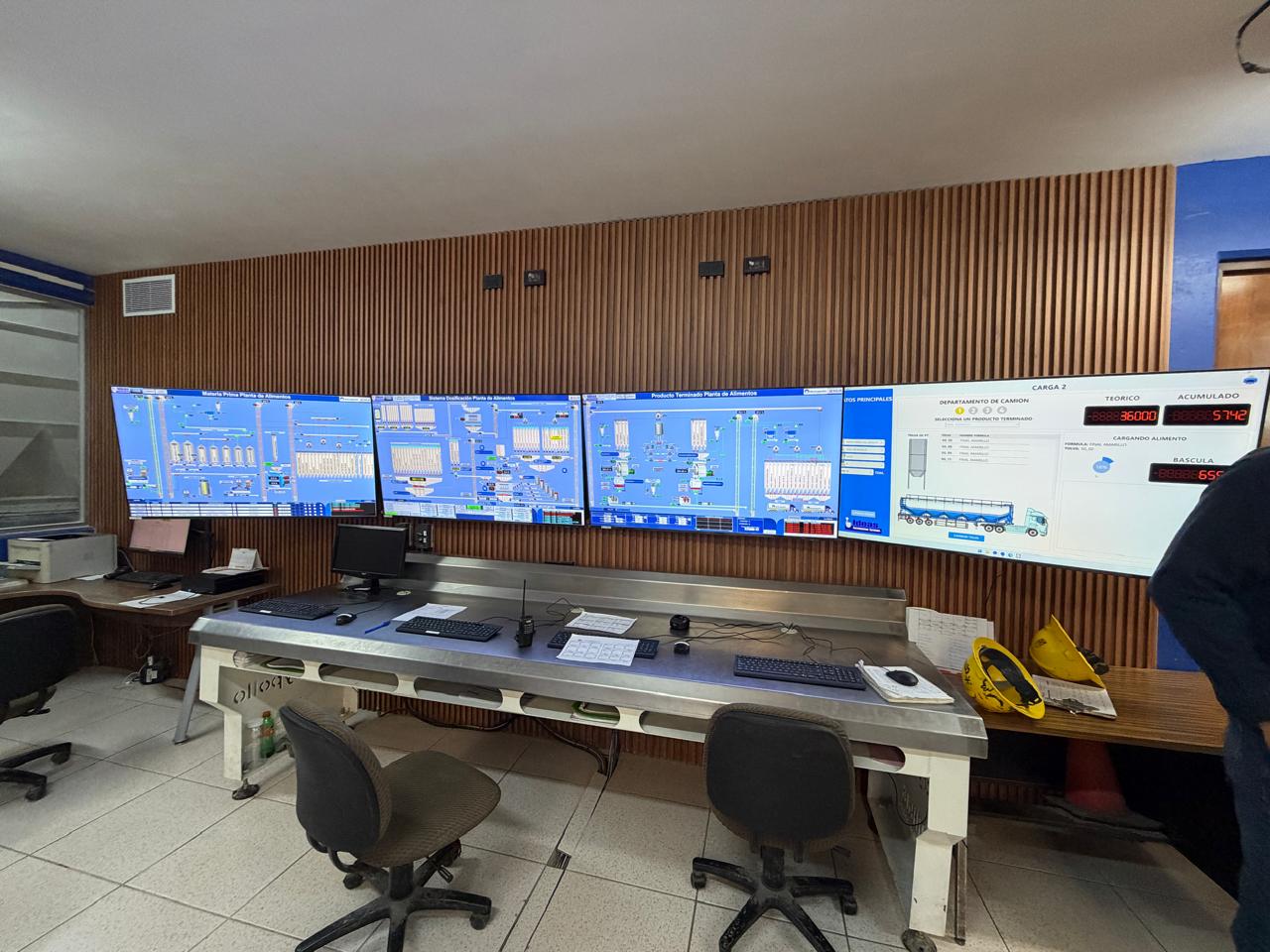
Your whole planton one screen
We built it ourselves for animal feed plants. It follows product from arrival to the truck and keeps the history of every batch.
Feed mill software
How product moves
- 1
Receiving and holding bins
Grain and ingredients arrive at their bin. The system logs level, intake and supplier.
- 2
Batching by scale
Every ingredient in the formula is weighed per batch. Macros, micros and liquids each on their own scale.
- 3
Grinding and mixing
Mill and mixer times under control. If anything drifts out of range, the alarm sounds.
- 4
Conveyors and pelleting
Elevators, drag and screw conveyors start in sequence, so nothing jams from starting out of order.
- 5
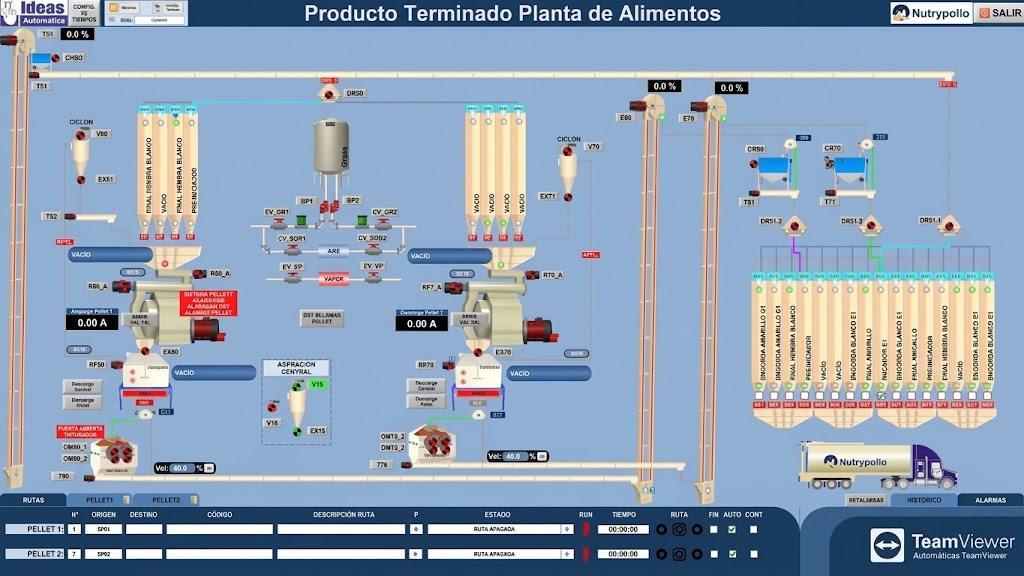
Finished product
Finished-product bins with live level, ready for bagging or bulk.
- 6
Truck loading bay
Bulk or bagged loadout with final weight per truck and a shipping report.
What you see on screen
Live scales
Target weight, actual weight and deviation per ingredient.
Batch history
Which formula, when, who ran it and how much came out.
Alarms
Low level, stopped motor, batching out of tolerance.
Shift reports
Tons, batches, downtime and ingredient usage.
Remote access
Check the plant from the office or your phone.
Remote support
We tune timings and review faults without a site visit.
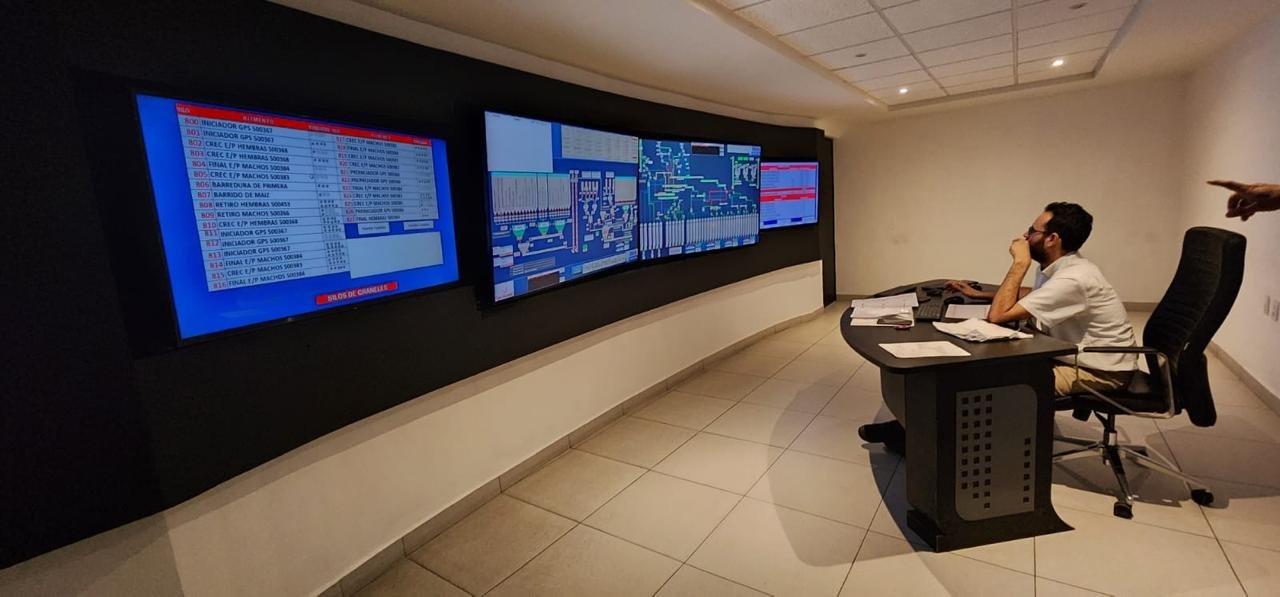
Real screens